
blender批量导出不同动作模型
在同一个blend文件中有多个模型对象,而且有一套20多个动作库,我需要将这些不同的动作分别根据不同的模型导出成obj,手动指定动作然后导出,很麻烦,很耗时间,所以尝试写了一个脚本,仅供参考:
import bpy
import os
def export_complete_Bone_with_actions():
    """导出完整的Bone模型及其所有动作(包含所有身体部件)"""

    print("=== 完整Bone模型动作导出 ===")
    print(f"Blender版本: {bpy.app.version}")

    # 输出目录
    output_dir = "/Users/zhangbo/Desktop/BlenderExports"
    try:
        if not os.path.exists(output_dir):
            os.makedirs(output_dir)
        print(f"✓ 输出目录: {output_dir}")
    except Exception as e:
        print(f"✗ 创建输出目录失败: {e}")
        return

    # 21个动作名称
    action_names = [
        "00 Reset Pose",
        "01 Angry",
        "02 Ballons in hands",
        "03 Fighting",
        "04 Happy_dancing 01",
        "05 Happy_dancing 02.001",
        "06 Jumping",
        "07 Meditating",
        "08 Mobile_in_hand",
        "09 Paint bucket",
        "10 Paper bag",
        "11 Paper in Hand",
        "12 Propose",
        "13 Running",
        "14 Sad",
        "15 Scared",
        "16 Shoked",
        "17 Sick",
        "18 Thumbs_up",
        "19 Unhappy",
        "20 Waving_hand"
    ]

    # === 调试:场景分析 ===
    print("\n=== 场景分析 ===")

    # 查找骨骼对象
    armature_obj = None
    for obj in bpy.context.scene.objects:
        if obj.type == 'ARMATURE':
            armature_obj = obj
            break

    if not armature_obj:
        print("✗ 未找到骨骼对象")
        return

    print(f"✓ 找到骨骼: {armature_obj.name}")

    # 查找Bone主体对象(更智能的查找方式)
    def find_Bone_object():
        """智能查找Bone主体对象"""
        # 1. 精确匹配
        Bone_obj = bpy.context.scene.objects.get("Bone")
        if Bone_obj and Bone_obj.type == 'MESH':
            return Bone_obj

        # 2. 名称包含Bone(不区分大小写)
        for obj in bpy.context.scene.objects:
            if obj.type == 'MESH' and 'Bone' in obj.name.lower():
                return obj

        # 3. 查找最大的网格对象
        max_verts = 0
        backup_obj = None
        for obj in bpy.context.scene.objects:
            if obj.type == 'MESH':
                verts = len(obj.data.vertices)
                if verts > max_verts:
                    max_verts = verts
                    backup_obj = obj

        return backup_obj

    Bone_obj = find_Bone_object()
    if not Bone_obj:
        print("✗ 未找到Bone主体对象")
        return

    print(f"✓ 找到Bone主体: {Bone_obj.name} (顶点数: {len(Bone_obj.data.vertices)})")

    # === 收集所有需要导出的对象 ===
    print("\n=== 收集导出对象 ===")

    export_objects = [Bone_obj]  # 首先添加Bone主体

    # 1. 从所有集合中收集对象(更全面的收集方式)
    body_part_keywords = [
        'face', 'body', 'leg', 'hand', 'arm',
        'head', 'torso', 'eye', 'mouth', 'expression',
        'asset', 'accessory', 'prop'
    ]

    # 从所有集合中查找
    for collection in bpy.data.collections:
        print(f"检查集合: {collection.name}")
        for obj in collection.objects:
            if obj.type == 'MESH' and obj not in export_objects:
                # 检查是否是身体部件
                for keyword in body_part_keywords:
                    if keyword in obj.name.lower():
                        export_objects.append(obj)
                        print(f"✓ 添加 {obj.name} (来自集合 {collection.name})")
                        break

    # 2. 额外检查可能遗漏的对象(父子关系/顶点绑定)
    for obj in bpy.context.scene.objects:
        if obj.type == 'MESH' and obj not in export_objects:
            # 检查是否绑定到骨骼
            if obj.parent == armature_obj:
                export_objects.append(obj)
                print(f"✓ 添加 {obj.name} (绑定到骨骼)")
                continue

            # 检查修改器中是否有骨骼修改器
            for mod in obj.modifiers:
                if mod.type == 'ARMATURE' and mod.object == armature_obj:
                    export_objects.append(obj)
                    print(f"✓ 添加 {obj.name} (有骨骼修改器)")
                    break

    # 3. 最后添加骨骼
    if armature_obj not in export_objects:
        export_objects.append(armature_obj)

    print(f"\n将导出 {len(export_objects)} 个对象:")
    for obj in export_objects:
        print(f"  - {obj.name} ({obj.type})")

    # === 准备导出 ===
    print("\n=== 准备导出 ===")

    # 设置活动对象为骨骼
    bpy.context.view_layer.objects.active = armature_obj
    armature_obj.select_set(True)

    # 确保骨骼有动画数据
    if not armature_obj.animation_data:
        armature_obj.animation_data_create()

    # 确保所有导出对象可见且可被选择
    for obj in export_objects:
        obj.hide_set(False)
        obj.hide_viewport = False
        obj.hide_render = False
        obj.hide_select = False

    # === 开始导出每个动作 ===
    successful_exports = 0
    failed_exports = 0

    for i, action_name in enumerate(action_names):
        print(f"\n=== 进度 {i+1}/{len(action_names)}: {action_name} ===")

        # 查找动作
        action = bpy.data.actions.get(action_name)
        if not action:
            print(f"✗ 动作不存在,跳过")
            failed_exports += 1
            continue

        try:
            # 1. 应用动作到骨骼
            armature_obj.animation_data.action = action

            # 2. 设置到动作起始帧
            start_frame = int(action.frame_range[0]) if action.frame_range else 1
            bpy.context.scene.frame_set(start_frame)
            print(f"✓ 应用动作到第 {start_frame} 帧")

            # 3. 强制更新场景
            bpy.context.view_layer.update()
            bpy.context.evaluated_depsgraph_get().update()

            # 4. 清除选择并选择所有导出对象
            bpy.ops.object.select_all(action='DESELECT')
            selected_count = 0
            for obj in export_objects:
                try:
                    obj.select_set(True)
                    selected_count += 1
                except Exception as e:
                    print(f"⚠ 无法选择 {obj.name}: {e}")

            print(f"✓ 选择了 {selected_count}/{len(export_objects)} 个对象")

            # 5. 验证Bone对象是否被选中
            if Bone_obj not in bpy.context.selected_objects:
                print("⚠ Bone对象未被选中,强制选择")
                Bone_obj.select_set(True)

            # 6. 准备文件名
            safe_name = action_name.replace(" ", "_").replace(".", "_")
            filename = f"Bone_{safe_name}.obj"
            filepath = os.path.join(output_dir, filename)

            # 7. 导出OBJ(使用Blender 4.3的参数)
            print(f"导出到: {filename}")
            bpy.ops.wm.obj_export(
                filepath=filepath,
                export_selected_objects=True,
                export_animation=False,
                apply_modifiers=True,
                export_smooth_groups=False,
                export_normals=True,
                export_uv=True,
                export_materials=True,
                export_triangulated_mesh=False,
                export_curves_as_nurbs=False
            )

            # 8. 验证导出结果
            if os.path.exists(filepath):
                file_size = os.path.getsize(filepath)
                print(f"✓ 导出成功 ({file_size/1024:.1f} KB)")

                # 检查文件内容
                with open(filepath, 'r') as f:
                    content = f.read(1000)
                    if Bone_obj.name in content:
                        print(f"✓ 确认包含Bone对象")
                    else:
                        print(f"⚠ 警告: 可能未包含Bone对象")

                successful_exports += 1
            else:
                print(f"✗ 文件未创建")
                failed_exports += 1

        except Exception as e:
            print(f"✗ 导出失败: {str(e)}")
            failed_exports += 1

    # === 最终报告 ===
    print(f"\n{'='*60}")
    print(f"导出完成!")
    print(f"成功: {successful_exports} 个文件")
    print(f"失败: {failed_exports} 个文件")
    print(f"输出目录: {output_dir}")
    print(f"{'='*60}")
# 运行导出
if __name__ == "__main__":
    export_complete_Bone_with_actions()
如果你也想使用以上脚本,可能需要改几个地方:
修改其中的bone对象模型
修改动作名称
每个模型的结构不同,可能需要调整脚本代码,请自行尝试。有需要帮忙可以联系我
-
 插件脚本/建模雕刻 2026-08-13
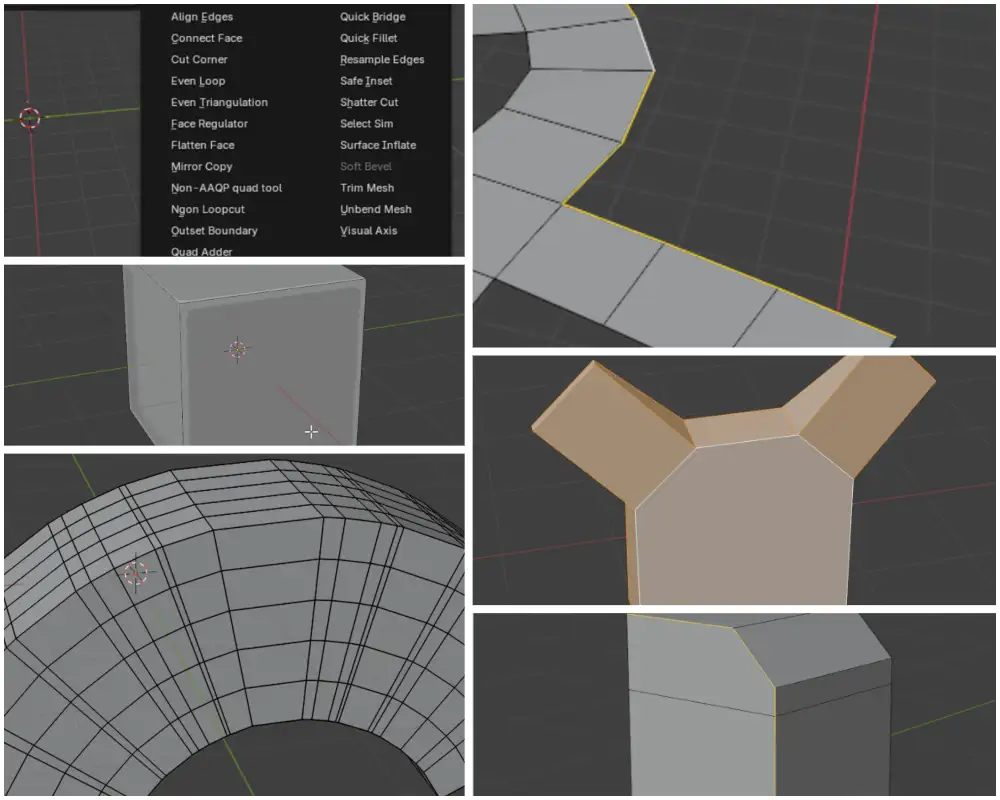
Blender Kushiro Tools 插件下载|免费多边形建模工具合集|Quad Adder|Even Loop|Outset Boundary|Ngon Loopcut|Quick Fille
Kushiro Tools:Blender 建模爱好者的免费高效工具箱,全面提升多边形建模体验Kushiro Tools 是一款由开发者 Kushiro 倾力打造的 Blender 免费插件合集,集合了其多年来陆续开发的超过 24 款独立建模辅助工具。这款插件包在 Gumroad 平台上已累计获得超过 10,000 次下载,深受 Blender 社区用户的认可与支持。所有工具统一集成在 Blender 界面中的 “Kushiro Tools” 菜单下,采用双列布局,方便用户快...
-
 模型工程 2025-11-15
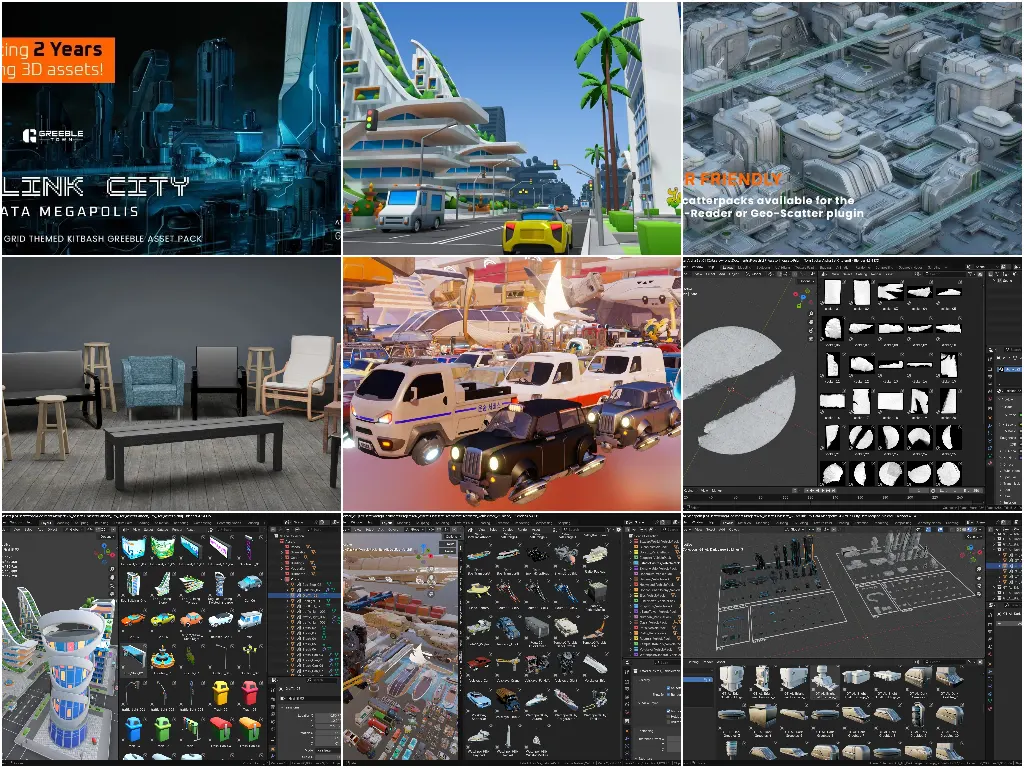
435个Blender资产包含科幻建筑卡通城市套件交通工具等
最近整理的免费Blender资产。这些资产有些的原始工程并非Blender资产,而是我给整理成了Asset便于使用,所以会同时分享原始工程和资产工程,同学们可以根据需要自行下载使用。190个Arclink City的建筑部件Greeble Town提供的近未来科幻都市风格的城市内建筑群部件资产,包含深浅色两套各86个不同的城市部件以及18个材质资产。以硬表面建模和硬朗的线条组成的科幻风都市,非常的有近未来的科技感。需要注意的是,这套资产目前是限免的,定价显示2美元,但结账的时...
-
 Blender 2025-08-21
在macos中不用打开blender软件将blend模型批量导出obj
创建一个新的shell脚本 export_all_v4.sh#!/bin/bash # 设置目录路径 BLEND_DIR="/Users/zhangbo/Desktop/Blende卡通元宇宙科技网络智能产品图标3D模型PNG设计素材25款/BLEND" # 切换到目标目录 cd "$BLEND_DIR" # 遍历所有.blend文件 for blend_file ...
-
 Blender 2025-07-30
Blender批量导出FBX模型脚本
你的模型是什么格式?导入进blender中的还是用bl制作的?告诉你个方法,批量导出fbx格式的:1.首先需要把项目另存为.blender工程文件。2.然后在菜单Scripting中,新建一个脚本,把下面的脚本粘贴,然后运行即可。# exports every single object to single fbx file. # Copyright https://www....