

Blender批量导出FBX模型脚本
你的模型是什么格式?导入进blender中的还是用bl制作的?告诉你个方法,批量导出fbx格式的:
1.首先需要把项目另存为.blender工程文件。
2.然后在菜单Scripting中,新建一个脚本,把下面的脚本粘贴,然后运行即可。
# exports every single object to single fbx file.
# Copyright https://www.c4d.com
# Compatible with Blender 3.5.1

### fbx files in dir of .blender ###
### bake_space_transform=True,Apply Transform, Bake space transform into object data, avoids getting unwanted rotations to objects when target space is not aligned with Blender’s space (WARNING! experimental option, use at own risk, known to be broken with armatures/animations) ###

import bpy
import os

# export to blend file location
basedir = os.path.dirname(bpy.data.filepath)

print("START Output path = "+basedir)

if not basedir:
    raise Exception("Blend file is not saved")

objects = bpy.context.collection.objects

def exportfunc(objName):
    name = bpy.path.clean_name(objName)
    fn = os.path.join(basedir, name)

    # Export gltf
#    bpy.ops.export_scene.gltf(filepath=fn + ".gltf", export_format="GLTF_SEPARATE", export_lights=False, use_selection=True)
    # Export fbx
    bpy.ops.export_scene.fbx(filepath=fn + ".fbx", use_selection=True,bake_space_transform=True)

    print("written:", fn)
    return

#Deselect all objects
for obj in objects:
    obj.select_set(False)

print("===Start save files===")

for obj in objects:
    if obj.parent == None:
        if obj.type == 'EMPTY' and len(obj.children) > 0:
            obj.select_set(True)
            for subObj in obj.children:
                subObj.select_set(True)

            # some exporters only use the active object
            #view_layer.objects.active = obj
            exportfunc(obj.name)

            #Deselect all objects
            for obj in objects:
                obj.select_set(False)
        else:
            obj.select_set(True)
            exportfunc(obj.name)
            obj.select_set(False)

print("All save completed!")-
 插件脚本/建模雕刻 2026-08-13
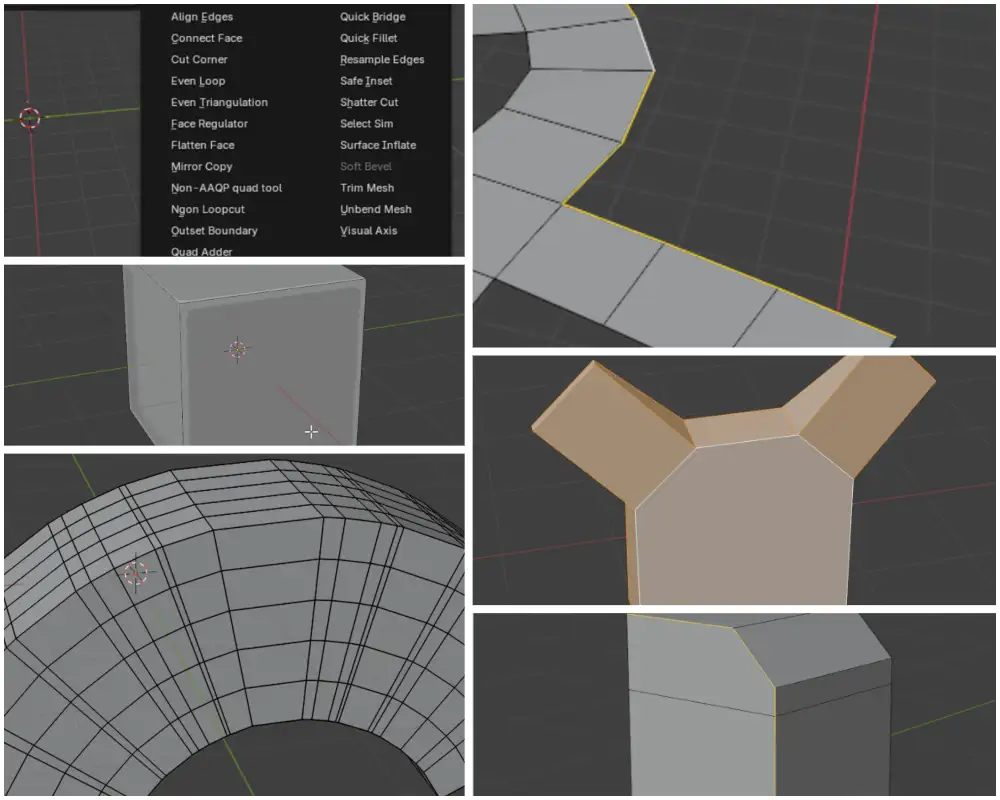
Blender Kushiro Tools 插件下载|免费多边形建模工具合集|Quad Adder|Even Loop|Outset Boundary|Ngon Loopcut|Quick Fille
Kushiro Tools:Blender 建模爱好者的免费高效工具箱,全面提升多边形建模体验Kushiro Tools 是一款由开发者 Kushiro 倾力打造的 Blender 免费插件合集,集合了其多年来陆续开发的超过 24 款独立建模辅助工具。这款插件包在 Gumroad 平台上已累计获得超过 10,000 次下载,深受 Blender 社区用户的认可与支持。所有工具统一集成在 Blender 界面中的 “Kushiro Tools” 菜单下,采用双列布局,方便用户快...
-
 模型工程 2025-11-15
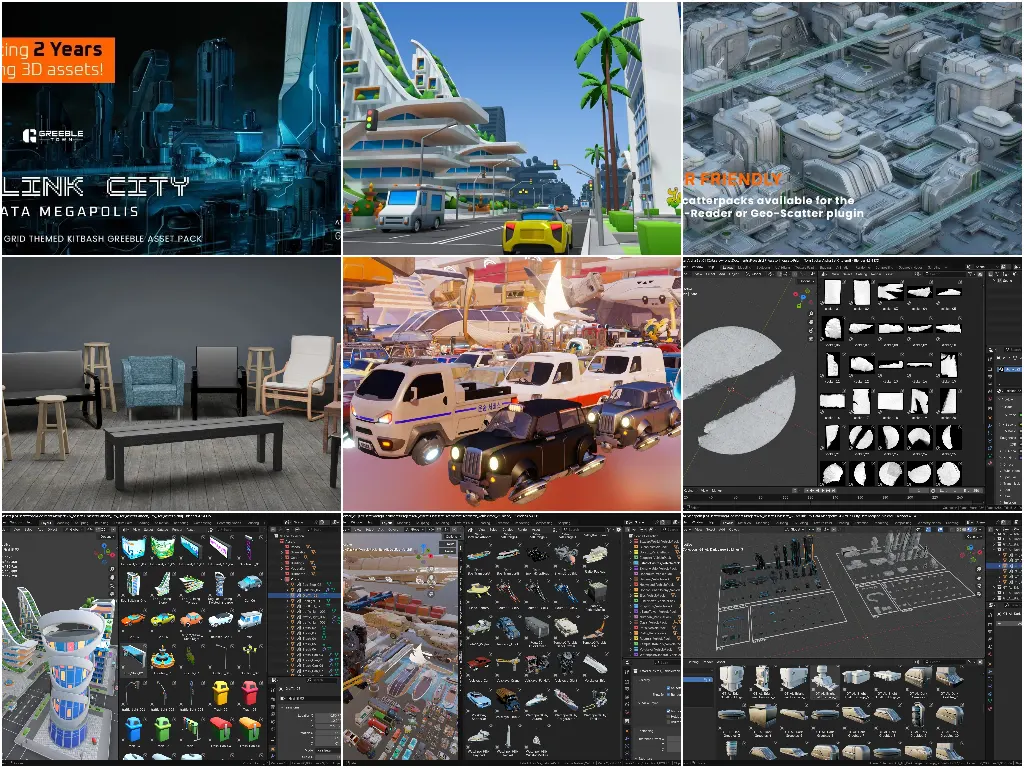
435个Blender资产包含科幻建筑卡通城市套件交通工具等
最近整理的免费Blender资产。这些资产有些的原始工程并非Blender资产,而是我给整理成了Asset便于使用,所以会同时分享原始工程和资产工程,同学们可以根据需要自行下载使用。190个Arclink City的建筑部件Greeble Town提供的近未来科幻都市风格的城市内建筑群部件资产,包含深浅色两套各86个不同的城市部件以及18个材质资产。以硬表面建模和硬朗的线条组成的科幻风都市,非常的有近未来的科技感。需要注意的是,这套资产目前是限免的,定价显示2美元,但结账的时...
-
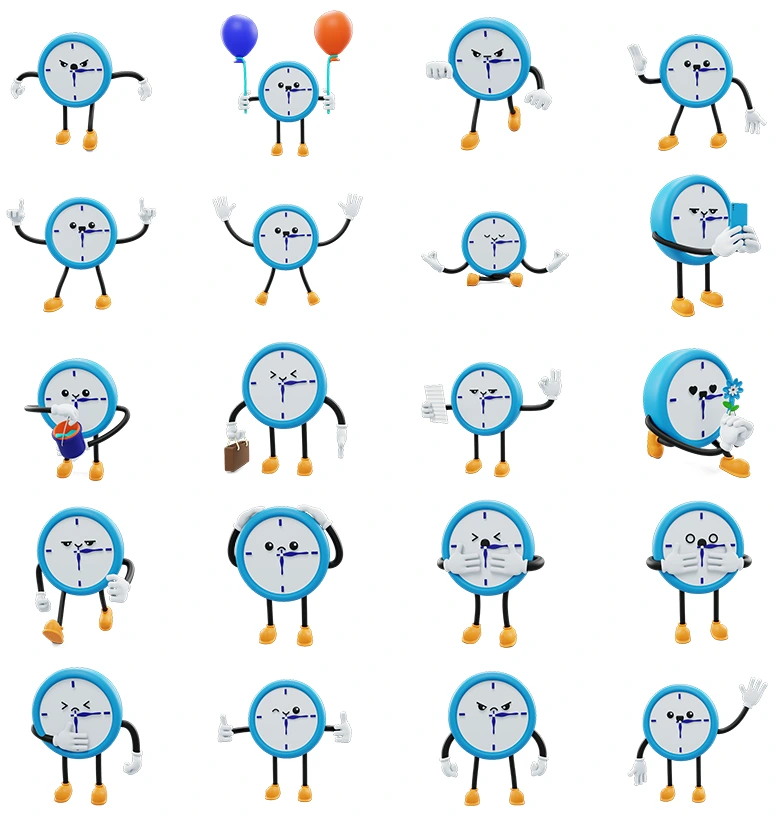
这是一套极具创意与表现力的卡通蓝色闹钟时钟动漫角色3D图标模型包,套装共包含20个不同造型的时钟角色,每一个时钟模型都拥有极为细腻的面部表情、肢体动作以及丰富的道具互动设计。这些模型采用了流行的低多边形风格(Low-Poly)并加入了柔和的色彩搭配,主色调为亮眼的蓝色表圈、白色表盘,表盘上点缀有蓝色刻度和紫色指针,配以灵动的黑色手臂和腿部,以及暖黄色鞋子作为点缀,大幅提升了模型的可爱感和亲和力。每个时钟模型的表情和姿势都经过用心设计,适用于社交媒体表情、动画短片、游戏开发、数...
-
 Blender 2025-07-03
blender批量导出不同动作模型
在同一个blend文件中有多个模型对象,而且有一套20多个动作库,我需要将这些不同的动作分别根据不同的模型导出成obj,手动指定动作然后导出,很麻烦,很耗时间,所以尝试写了一个脚本,仅供参考:import bpy import os def export_complete_Bone_with_actions(): """导出完整的Bone模型及其所有动作(包含所有...